Rehearse with it before the show.
It runs real shows, and Solo is free on one Mac at a time: every kind of cue, on one layer, in one act, on one screen for the audience. Pro is for when a show grows. Whichever you use, tell us when something goes wrong.
Version 1.2.022 October 202691.5 MBmacOS 12 or laterApple silicon and Intel
Downloading and installing CueMonkey means you accept the terms and the privacy policy. It comes with no warranty, so rehearse every show on the Mac and the equipment you will run it on before the night.
What it needs.
- macOS 12 or later
- Monterey and everything after it. One app runs on Apple silicon and Intel alike, so there is nothing to choose. A Mac on Catalina or Big Sur should stay on 0.1.8, which is still on the releases page.
- About 300 MB of disk
- The app, plus room for the media you import. Each show carries its own copies, so a season adds up; Settings says how much and clears it.
- A screen for the audience, if you want one
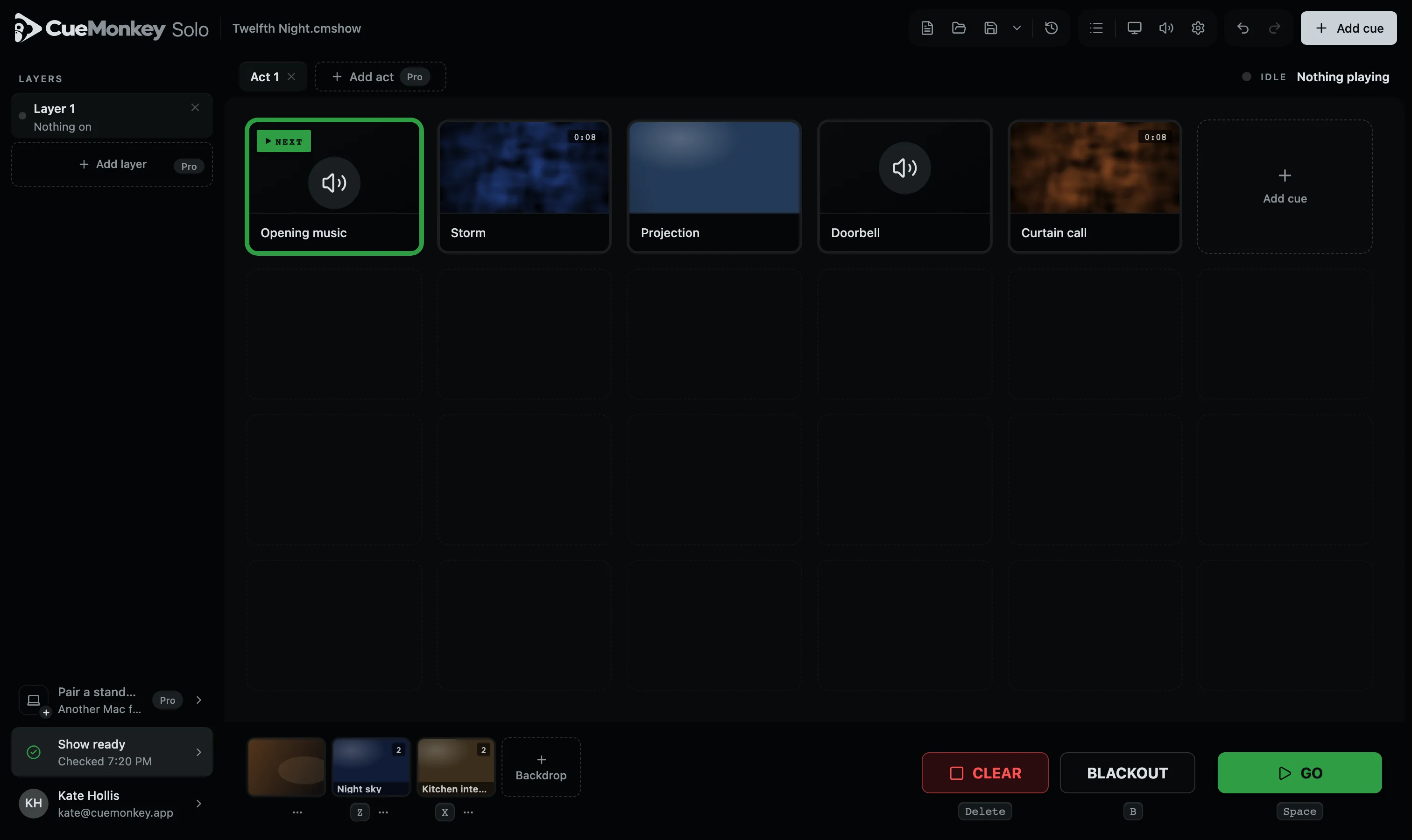
- A laptop on its own is enough to build and rehearse. Mark a screen or projector for the audience in Screen settings and pictures go there; until then they play in a small window only you can see.
- No internet during a show
- Signing in needs the internet once. After that CueMonkey runs with no signal at all, which is how most booths are.
How it installs.
- Signed and notarised by Apple
- It opens like any other app. No right-click, no warning about an unidentified developer, no trip into Security settings.
- Nothing else to install
- It carries its own copy of ffmpeg, so importing sound, video and images works on a Mac that has never had Homebrew on it.
- It updates itself, carefully
- It looks for a newer version when it opens, every six hours after, and as soon as a Mac that was offline gets a connection, and never while a show is on. Installing one is always a button you press.
- Removing it is dragging it to the bin
- No installer daemon, and nothing outside the app and its own folder in Application Support.
Other software in this app
CueMonkey carries ffmpeg and ffprobe, built with x264, and runs them the way you would run them yourself from a terminal. Both are free software under the GNU General Public License, version 2 or later. Neither was modified. The full licence text travels inside the app, beside a note saying which versions these are.
The source of both, exactly as the build fetched it, and the two scripts that built them and put them in the app, are attached to every release of CueMonkey beside its installer: what ffmpeg.org and code.videolan.org publish, unchanged. If you would rather be sent a copy of that source, and the scripts that configured and compiled it, write to hello@groovymilk.io. For three years from the day each version of CueMonkey is published, we will send the same source to anybody who asks, for no more than it costs us to send it. None of that applies to CueMonkey itself, which is a separate program.